SPEECH SEPARATION
Active During Speech, Not Just Pauses
A noise gate attenuates audio below a volume threshold, while Voice Isolator removes unwanted sound occurring underneath active dialogue.


 48kHz AI Voice Isolator · Dedicated Speech Extraction
Isolateclean speechfromcrowded audio tracks.
Use Voice Isolator to isolate voice from background noise, cafe chatter, and music — try voice isolator free with no sign-up, or unlock our background voice remover for complex mixes.
Free tier: up to 3 min/file · Paid up to 30 min · Zero Upstream Storage · 60-Day Library
Drop audio file to clean,
or try a sample
MP3, WAV, M4A, OGG, AAC, FLAC · up to 100 MB (30 min) · no sign-up
Cafe Crowd · Target Speaker Isolated Cleanly
00:05 / 00:14 · Drag wipe or toggle Raw / AI while playing
ISOLATION LAB
Preview how our AI voice isolator and background voice remover separate clean foreground dialogue from cafe chatter, live music, wind, and office crosstalk across eight real-world environments.
48kHz Studio A/B Audio
Click either Before or After card on the right to hear the exact real-world noise floor drop live.

Built for background voice remover workflows when nearby patrons, espresso steam, and competing tables bleed into your lapel mic.
Separate spoken commentary from overlapping live music, venue speakers, or background soundtracks while keeping vocal cadence intact.
Isolate voice from background noise when filming outdoor street interviews beside passing buses, horns, and gusty wind.
Pull clean solo tutorial narration away from mechanical keyboard clicks and coworkers chatting two desks over.
Use our background voice remover to strip distant television broadcasts and overlapping room dialogue from home voice memos.
Extract clear on-camera interviews from dense expo crowd hum and overhead venue announcements.
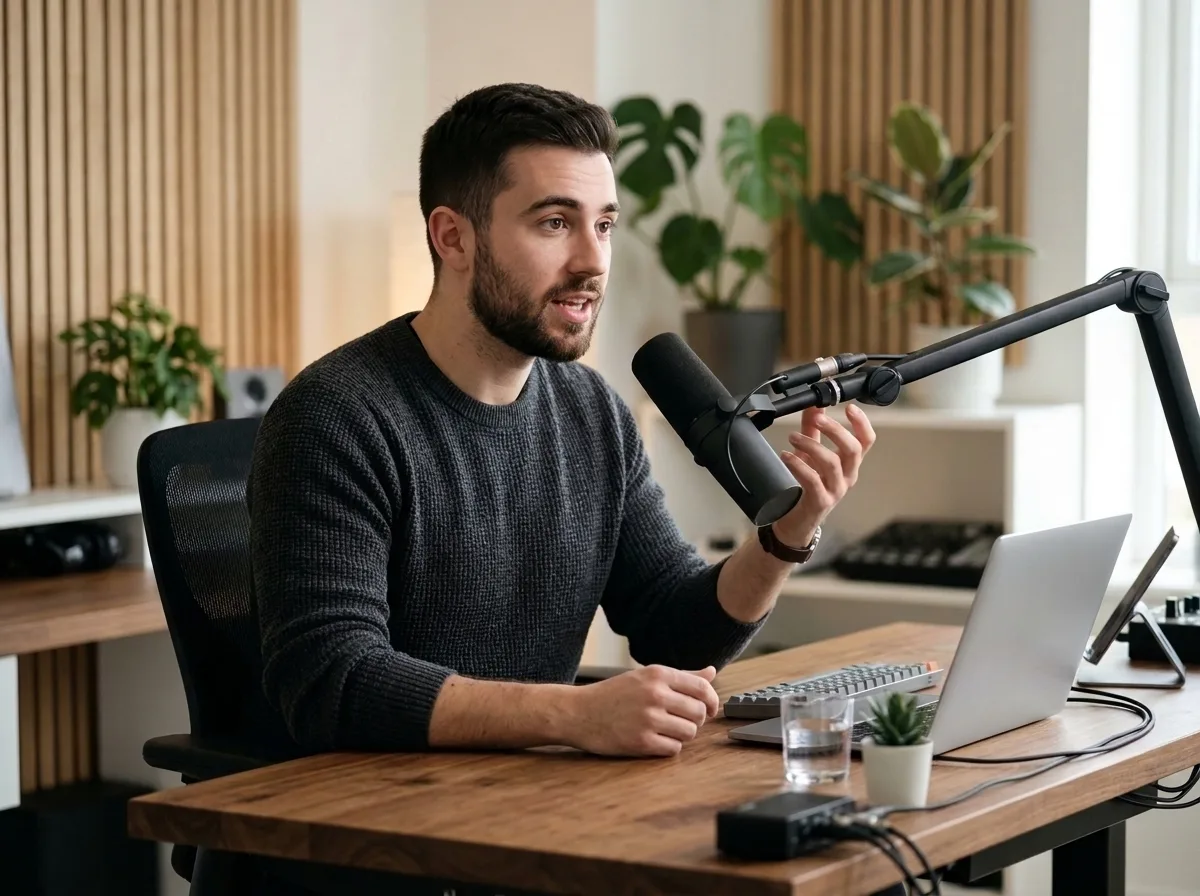
Keep solo home podcast episodes focused when family conversations drift down the hallway behind your desktop microphone.
Remove steady road roar and AC vent rush from car voice notes so every dictated idea stays articulate and ready to transcribe.
SPEECH SEPARATION ARCHITECTURE
Unlike a basic noise gate that only mutes pauses between words, our voice isolator acts as a neural background voice remover that suppresses competing sound while you are speaking.
A noise gate attenuates audio below a volume threshold, while Voice Isolator removes unwanted sound occurring underneath active dialogue.
When competing talkers or venue speakers bleed behind your mic, our background voice remover targets the closest primary speaker.
Download one intelligible 48kHz voice track ready for Premiere Pro, DaVinci Resolve, Descript, or podcast publishing.
REAL-WORLD RECORDING SCENES
Expand any recording scene below to audition how our online voice isolator rescues on-location interviews, backstage recaps, and busy co-working sessions at 48kHz.
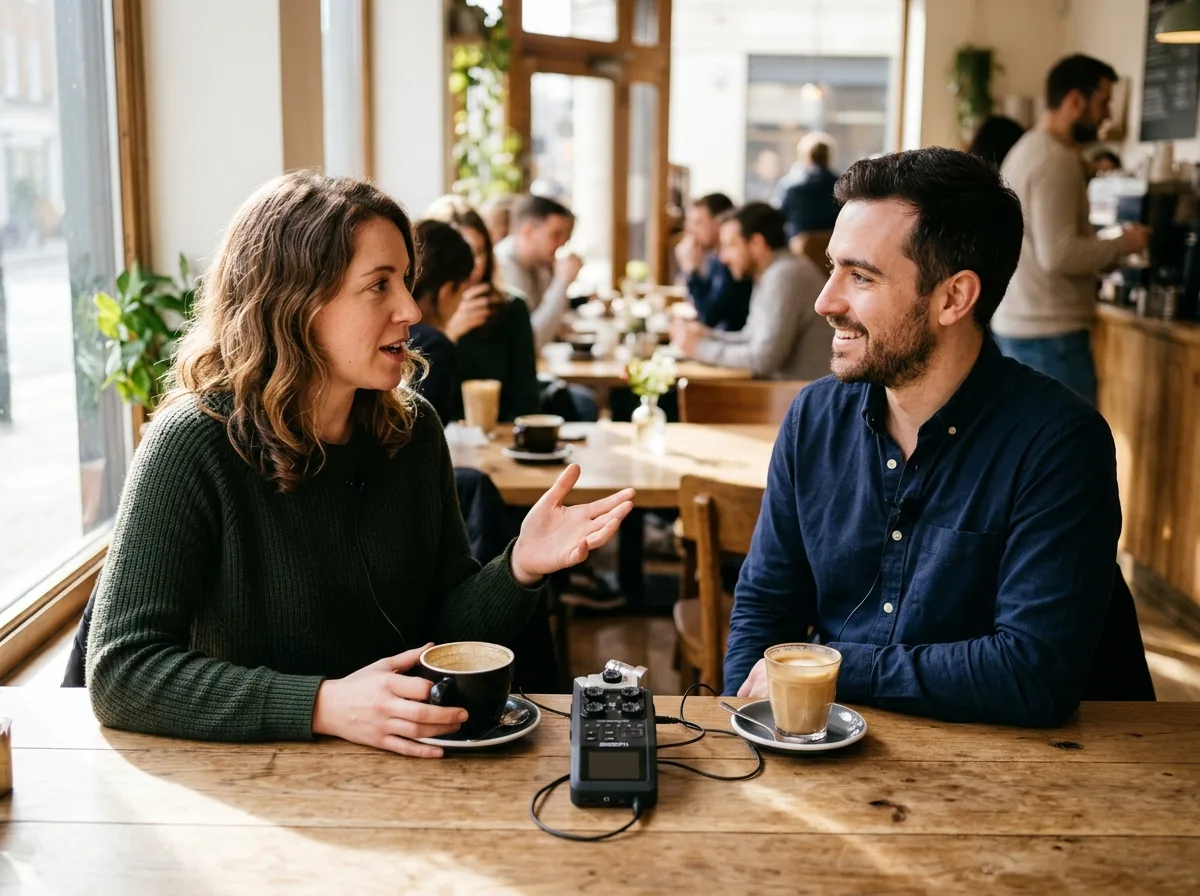
Portable recorder placed between two founders while morning cafe traffic hums behind them.

Event host delivering a quick recap backstage while house music bleeds from the main PA.
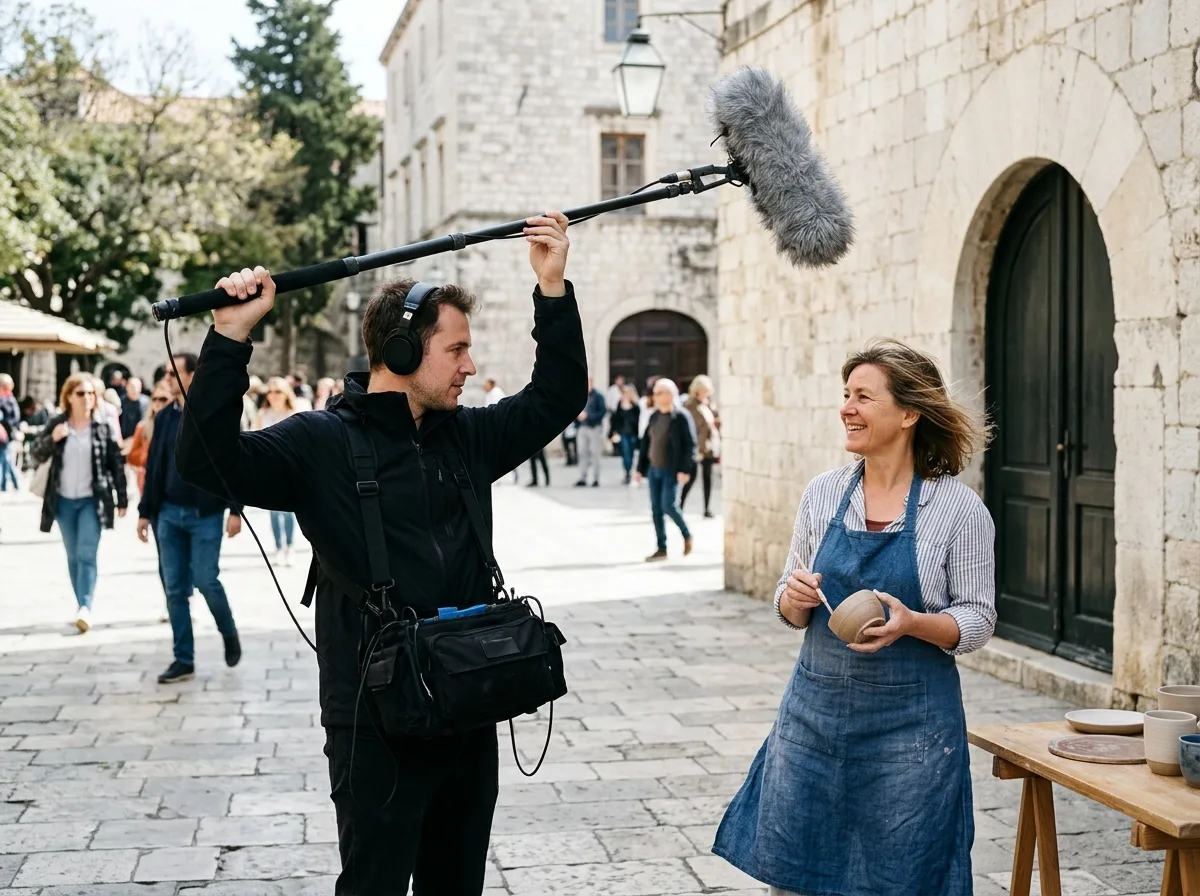
Boom mic interview outdoors with street wind and distant pedestrian chatter.
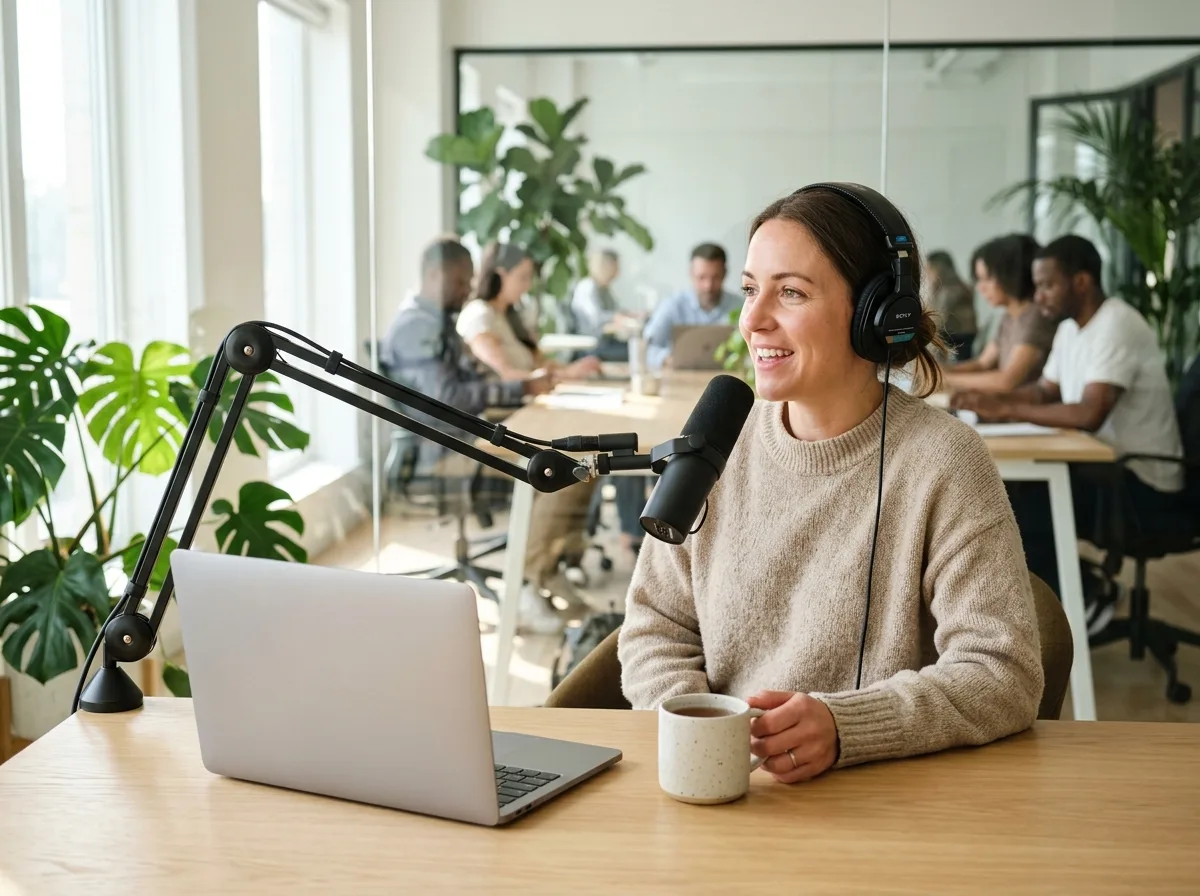
Course narration recorded in a glass-walled co-working space with nearby calls.
TECHNICAL CLARITY
Understand clear engineering boundaries so you know when a dedicated voice isolator outperforms noise gates, basic denoisers, or music stem splitters.
A music vocal remover or stem splitter separates songs into drums, bass, and backing instrumentals for remixing. Voice Isolator prioritizes intelligible human dialogue when you need to isolate voice from background noise for podcasts, documentaries, or video edits.
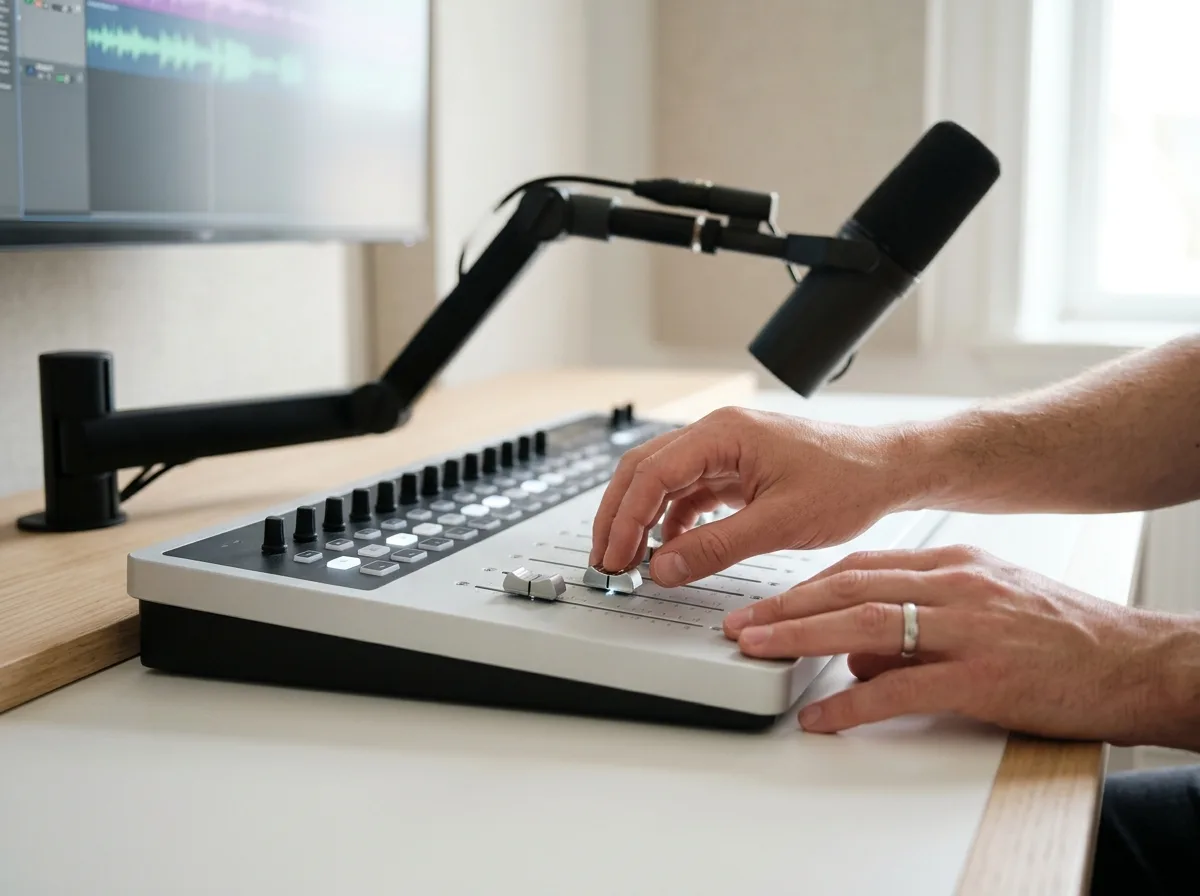
SPEECH STEM
Dialogue-First Output
Separating two equally loud overlapping speakers is acoustically harder than suppressing steady noise because vocal frequencies overlap. Our Pro isolation engine excels when the primary speaker is closer to the mic than distant crowd chatter or background TV voices.
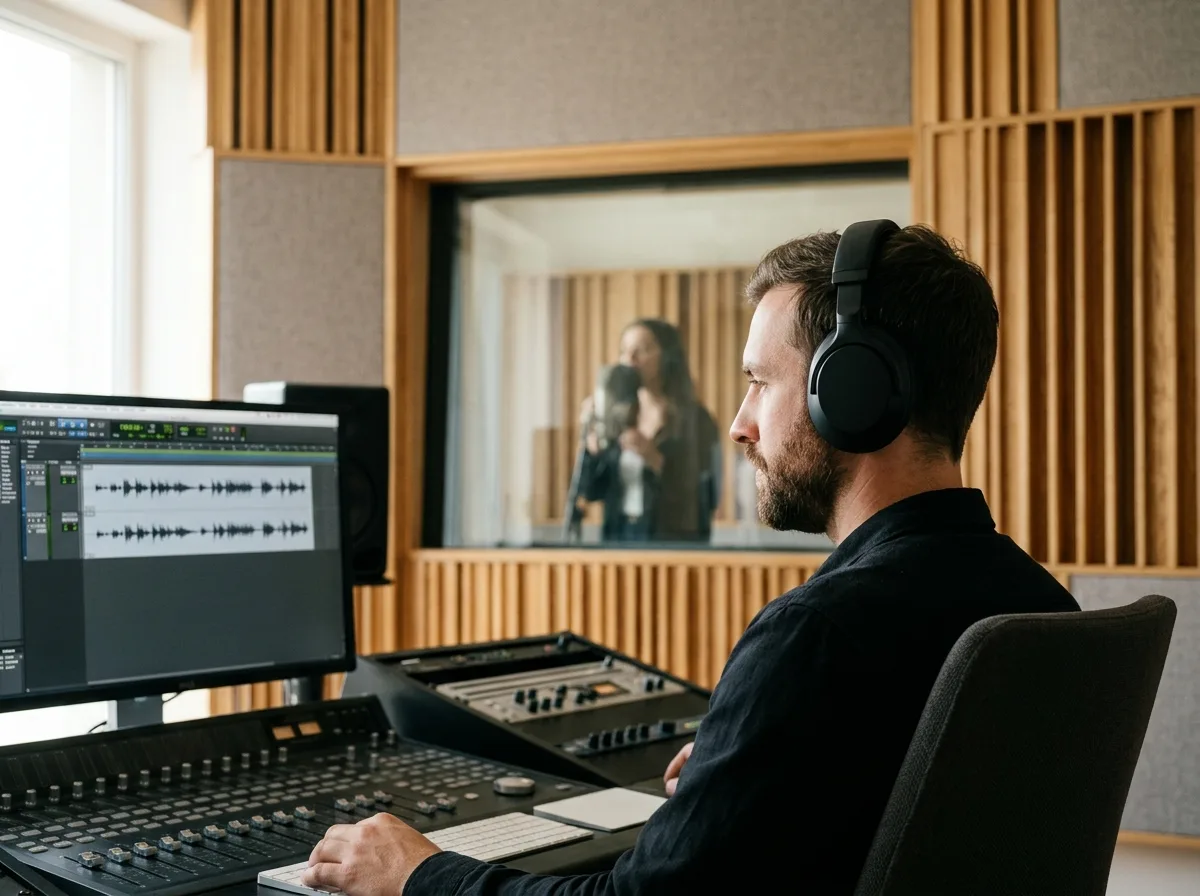
Test voice isolator free in-browser directly in your browser without installing VST plugins. Upload MP3, WAV, M4A, OGG, AAC, or FLAC files under 100 MB (30 min paid) and scrub waveforms side by side.
Journalism sources, executive calls, and client footage deserve strict privacy during online processing. Every upload runs over encrypted HTTPS with zero upstream model storage and is never used to train third-party AI models.
PRIVACY FIRST
Zero Upstream Storage
WORKFLOW
Skip complex DAW plugins or manual spectral masks. Open this voice isolator free in your browser to upload, compare A/B waveforms, and export 48kHz speech.
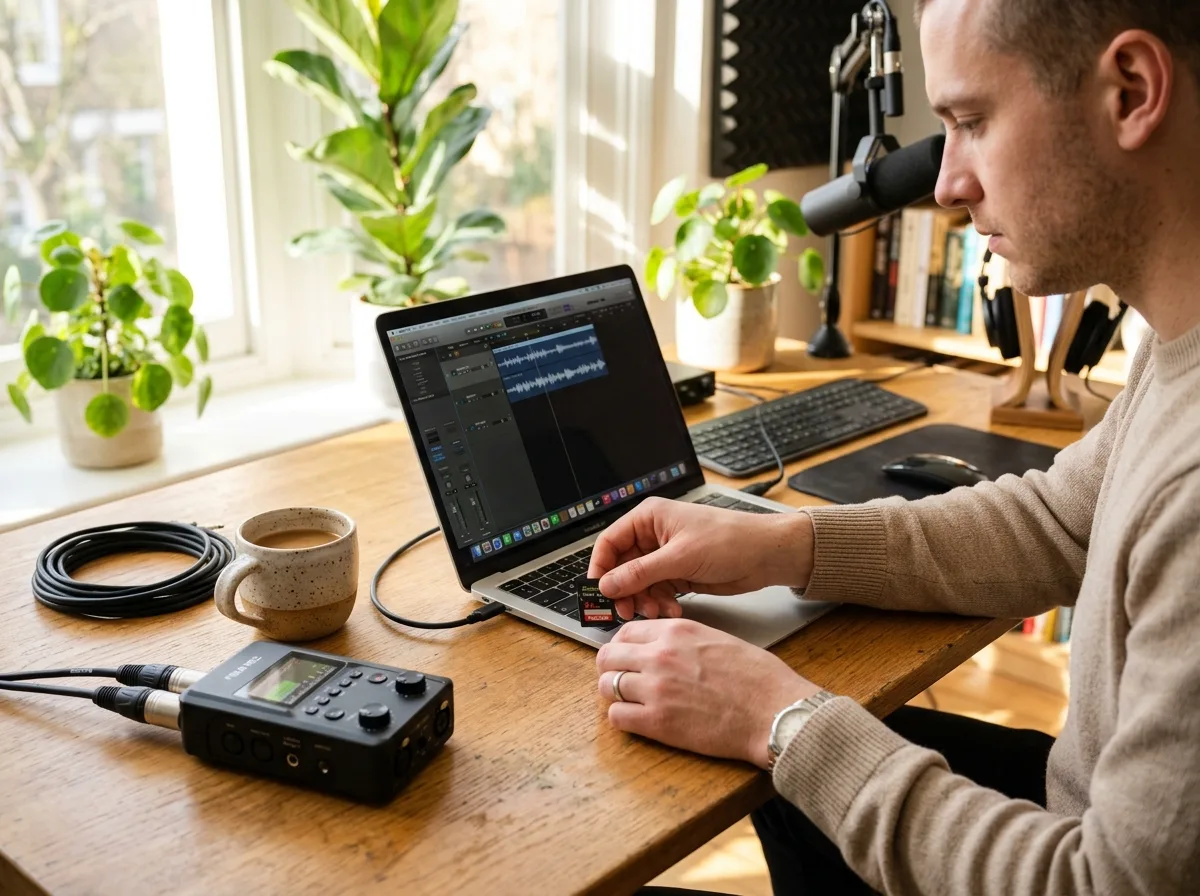
Drop an MP3, WAV, M4A, OGG, AAC, or FLAC file into the workbench. You can also audition our built-in cafe and music-bleed clips first.
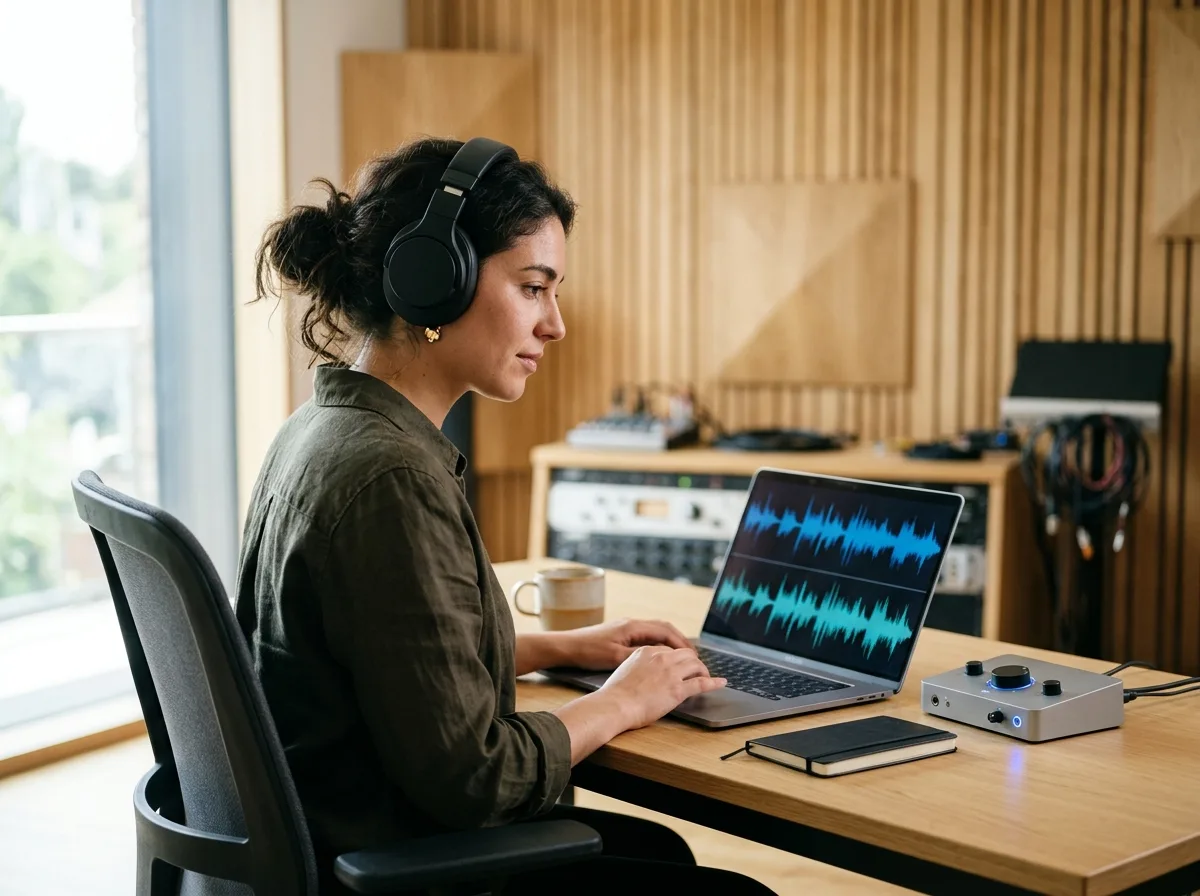
Pick Standard Clean for quick free isolation or Pro mode for heavy background music and crowd voices, then toggle Raw vs Isolated.

Download the clean 48kHz voice stem for your podcast, YouTube video, or client mix. Finished outputs stay ready in your Asset Library.
CREATOR USE CASES
From crowded street interviews and cafe podcasts to live wedding speeches, see how creators isolate voice from background noise across six real workflows.
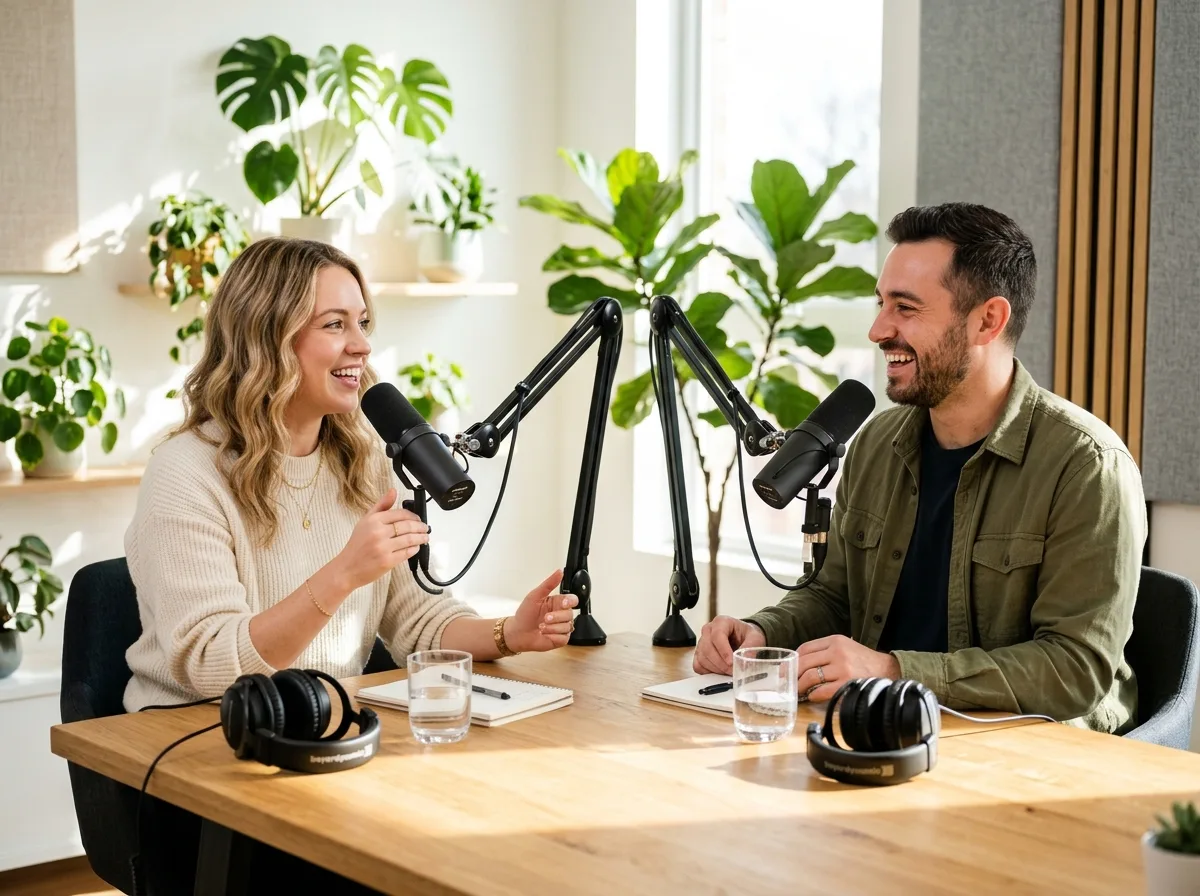
Rescue remote and in-person guest interviews recorded in busy cafes, hotel lobbies, or shared offices using our background voice remover without scheduling a costly re-record.

Pull crisp on-camera commentary out of busy outdoor markets, rushing street traffic, and sudden wind gusts so your vlog narrative stays effortless to follow.
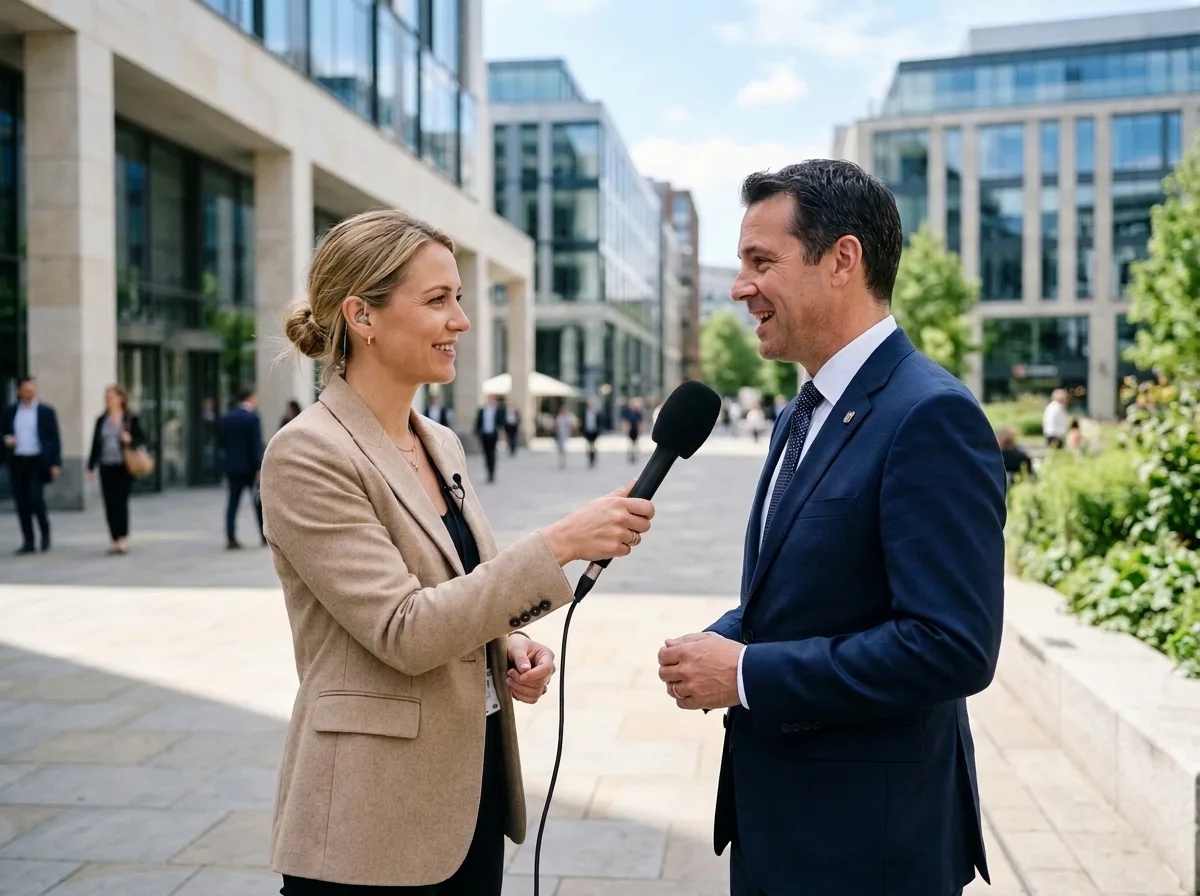
Keep live breaking-news and documentary interviews intelligible when dense crowds, passing sirens, or overhead venue PA speakers spill straight into your handheld mic.
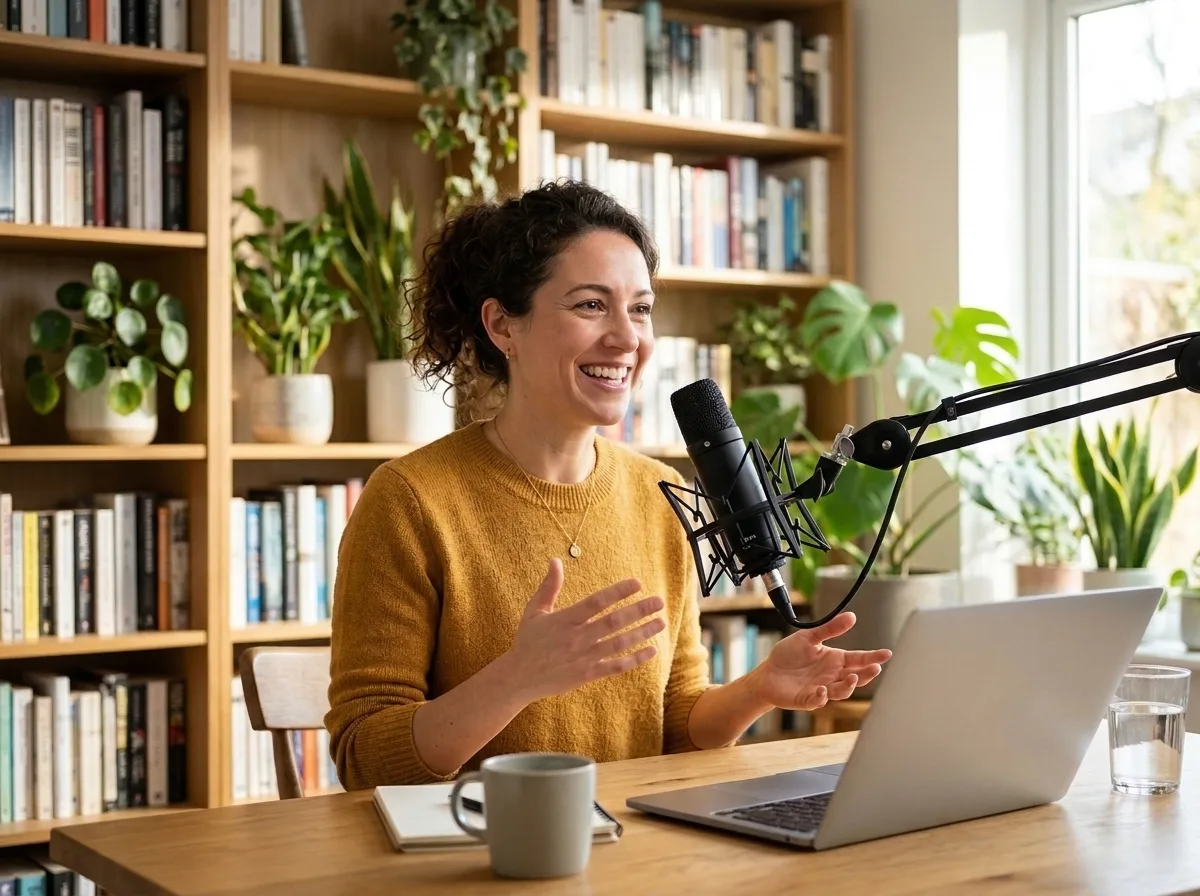
Run lesson recordings through our online voice isolator to separate articulate instruction from distant household voices, keyboard clicks, and neighborhood background hum.
Strip overlapping store playlists or expo event soundtracks behind spoken product walkthroughs so your commentary drops cleanly into Premiere Pro or DaVinci Resolve.

Isolate heartfelt toasts, vows, and keynote speeches from clinking glasses, DJ music bleed, and outdoor reception chatter while preserving warm natural vocal tone.
CREATOR FEEDBACK
See how documentary mixers, podcast producers, YouTubers, and event editors use our background voice remover to rescue otherwise unusable takes.
“We filmed a founder interview in a packed espresso bar where grinders and overlapping cafe tables nearly ruined the lapel take. Running the clip through Voice Isolator pulled her dialogue clean enough to cut straight into our documentary without booking expensive studio ADR or losing her natural room delivery.”
Marcus Reid
Location Sound Mixer
“Our remote guests frequently record from busy hotel lounges and shared offices that leave distracting chatter underneath every answer. Testing voice isolator free with same-timestamp A/B playback lets our editors verify clarity before exporting, saving hours of manual spectral editing before weekly Apple Podcasts deadlines.”
Priya Nair
Executive Podcast Producer
“Downtown street vlogs used to cost me thirty minutes of tedious EQ notches and volume automation in post-production. Now I upload the M4A, isolate voice from background noise and city buses right in Chrome, then drop the clean 48kHz vocal stem directly onto my DaVinci Resolve timeline.”
Daniel Brooks
Filmmaker & YouTuber
“Trade show expo floors are brutal for lavalier mics because overhead announcements and crowd hum constantly compete with our guests. This online Voice Isolator strips the PA music and venue rumble while keeping natural vocal cadence intact so our newsroom can publish crisp field interviews before the afternoon broadcast.”

Sophie Laurent
Broadcast Reporter
“Recording technical coding tutorials in a shared workspace always picked up neighboring phone calls and mechanical typing behind my desk. Using this background voice remover on Standard Clean clears office crosstalk smoothly at 5 credits per minute, keeping every forty-minute module articulate for students watching on headphones.”

Kenji Sato
Online Course Creator
“Last weekend I needed to rescue a father-of-the-bride speech where the reception DJ left lounge music playing right behind the podium. Voice Isolator separated the heartfelt toast from the backing speakers without hollow metallic artifacts, delivering warm, natural dialogue that made the final wedding highlight film shine.”

Lauren Morales
Wedding Videographer
ISOLATION FAQ
Direct, answer-first guidance on using Voice Isolator to separate clean speech, choosing our background voice remover, handling music bleed, and estimating credits.
Need help with a tough recording?
Email our audio support team with your file details or billing question.
Voice Isolator is an online AI speech separation tool that extracts foreground human dialogue from background music, cafe chatter, wind, and ambient noise to output one clean 48kHz vocal track.
Upload your noisy interview, podcast, or field clip to Voice Isolator free online with no sign-up and audition your extracted 48kHz vocal track at the exact same timestamp.